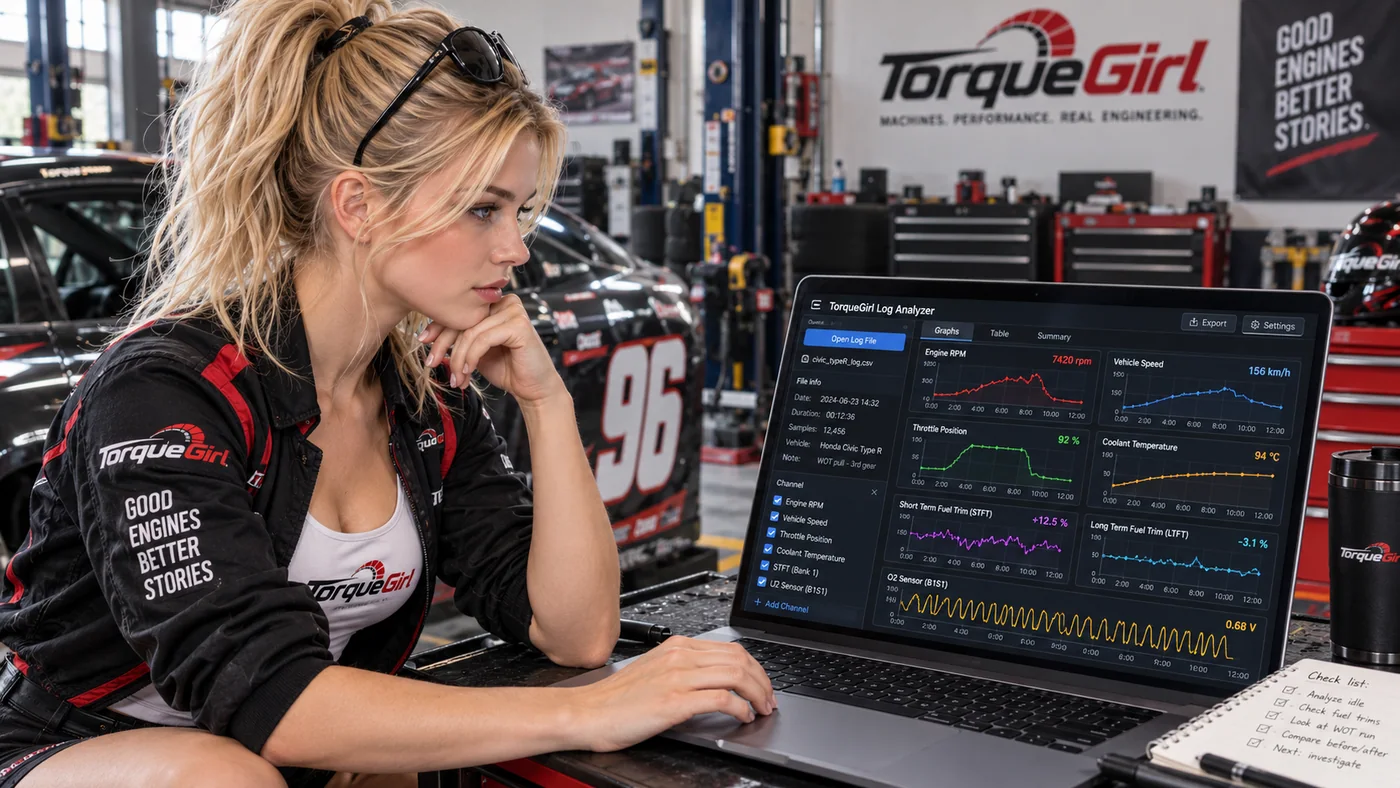
Analyze / Observe / Retest
OBD2 Log Analyzer
Inspect recorded signals, timing and quality. Compare runs and save observations, compact evidence and next tests in a browser-local notebook.
Open OBD2 Log AnalyzerTorqueGirl / Tools
Two practical tools for following a question through the numbers. Calculations and imported logs stay in your browser. Find patterns first. Diagnose second.
Analyze / Observe / Retest
Inspect recorded signals, timing and quality. Compare runs and save observations, compact evidence and next tests in a browser-local notebook.
Open OBD2 Log Analyzer
Explore / Torque / Power / RPM
Calculate torque or power at an RPM. Plot supplied samples, inspect the numbers and see why sampled torque and power peaks can differ.
Open Torque-Power ExplorerNew to logging? Prepare and export an OBD2 log, then review the analyzer’s mapping and first-use guide. Record an observation, an alternative explanation and a safe next test in the local observation notebook.
Saved notes and compact evidence stay in this browser on this site; raw logs and analysis sessions are never saved or restored. Download a JSON backup to keep your notes. Explorer samples explain a relationship; they predict no actual engine capability.